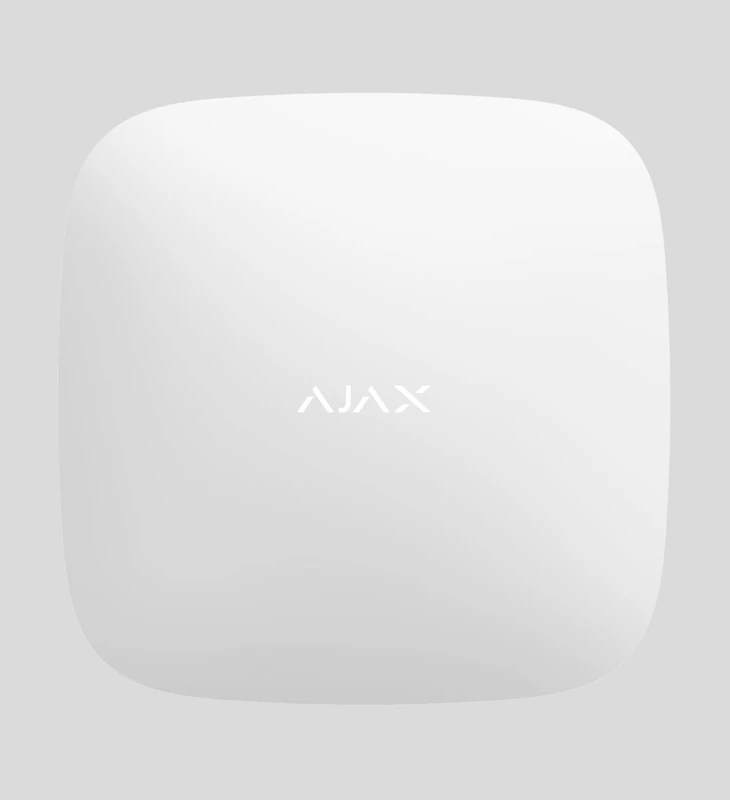
KEYPAD + HUB 2 PLUS
Arm the system.
Use your code on the keypad when leaving the premises. The hub applies the configured security mode and delays.

Ajax alarm · starter configuration
For a small business premises or home. Monitor one opening and one indoor zone, arm the system and receive alerts through the Ajax app.
Indicative equipment price as of 6 November 2026. Installation, setup, delivery and any mobile subscription are extra. Contact us for a quote.

EXAMPLE CONFIGURATION · 01
An Ajax starting point for a small business premises: detect motion indoors, manage arming and signal an alarm.
THE LAYOUT
Select a marker to see
its role in this configuration.
Positions are illustrative. Verify coverage and radio signal quality on site, taking into account obstructions and the access points to protect.
DAY-TO-DAY OPERATION
The five devices work together
according to your installation settings.
KEYPAD + HUB 2 PLUS
Use your code on the keypad when leaving the premises. The hub applies the configured security mode and delays.
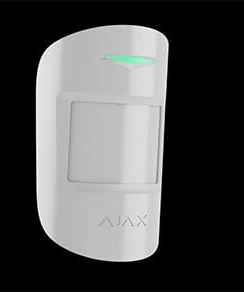
MOTIONPROTECT + HUB 2 PLUS
When the system is armed, detected motion in the monitored area is transmitted by radio to the hub.
HOMESIREN + STREETSIREN
The sirens alert people inside and at the façade. If a connection is available and notifications are enabled, the hub also alerts users in the Ajax app.
EQUIPMENT LIST
The five starter items.
One unit of each device, in white.
FOR YOUR PROJECT
This configuration includes one indoor motion detector. Determine the number of detectors and their positioning based on rooms, access points and how the premises are used.
Manufacturer documentation: The technical information comes from the Ajax manuals linked from each device. Control Access provides this illustrative plan as a starting point for a site assessment.
View all manuals →