
MX14 / MR14
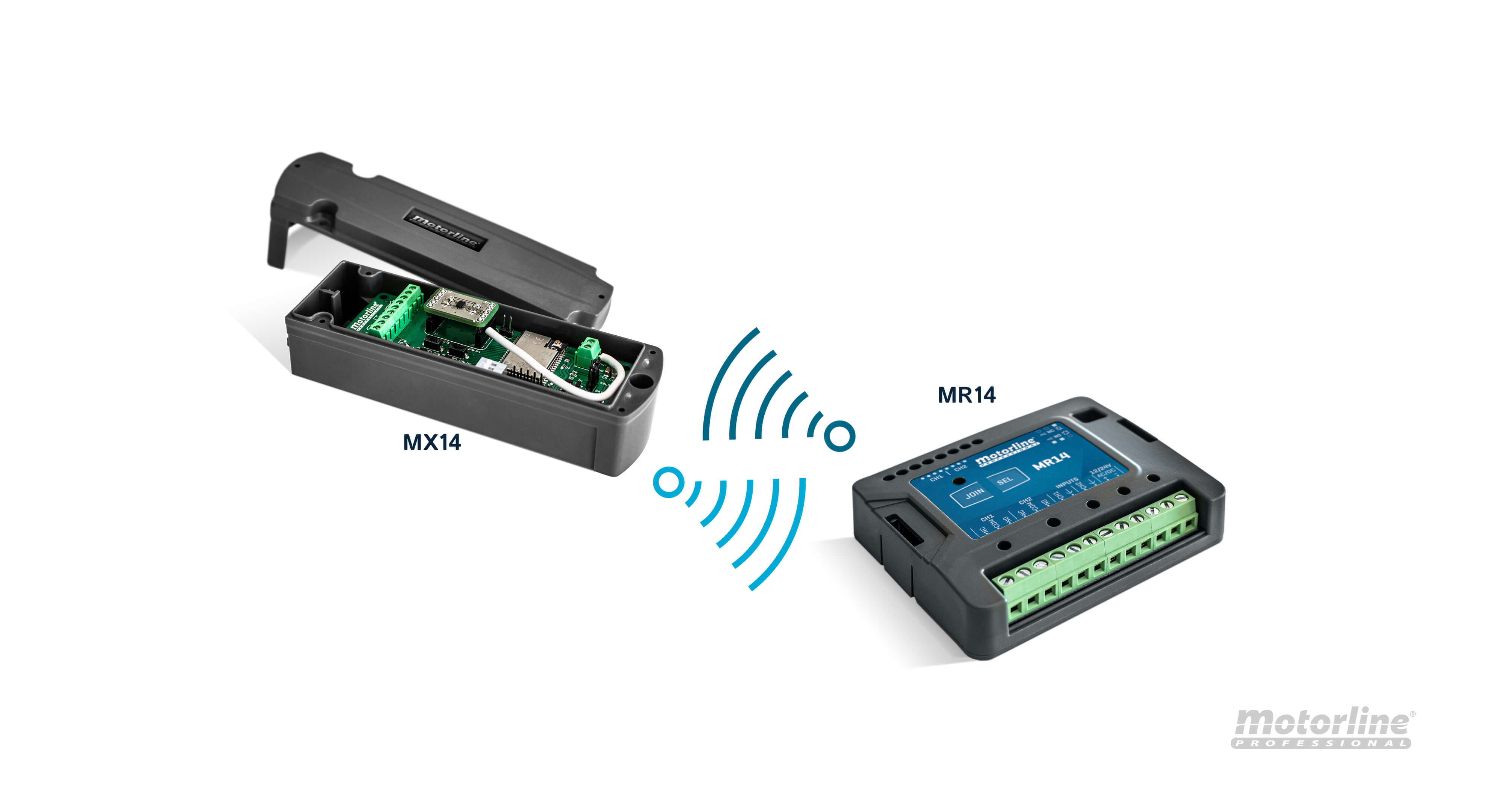
Wireless link between an MX14 transmitter and MR14 receiver for safety devices. MX14 supports an 8K2 resistive edge and a dry contact as described in the instructions.
Indicative public prices excl. VAT
Price on request
Indicative public prices excl. VAT — Please contact us to confirm price, availability and configuration.
Specifications and model selection
Documented references and models
- MX14
- MR14
Check dimensions, power supply, operating frequency and accessories for your installation; this page does not confirm compatibility.
Understand the product and prepare your project
The MX14 is a transmitter that communicates wirelessly with the MR14 receiver, up to 100m in the open field, powered by batteries or rechargeable batteries by solar panel. It allows the connection of 8k2 safety edges and safety device of dry contact, or the use of an accelerometer. When any of the connected devices is activated, this transmitter sends a signal to the MR14 receiver.
The MR14 receiver is a wireless receiver for management of various transmitters MX14. When receiving information from the transmitter, it communicates with the automation control board through cable, to be given order to stop or reverse the automation.
Functions and technical details
- Crush
- Impact
- Guillotine effect
- Damage of objects
View the manufacturer source ↗
Manufacturer views and diagrams
Non-exhaustive summary. Read values, versions and accessories for the stated model; system illustrations do not define kit contents.
Manufacturer links and documents
Manufacturer documents remain in their original language.