
Activation
Loop 1: presence for activation.
BEA Sensors offers the equipment shown in this selection, with direct links to its official documentation.
Parking, ticketing and vehicle entrances: configurable detection to coordinate several devices, with Control Access.
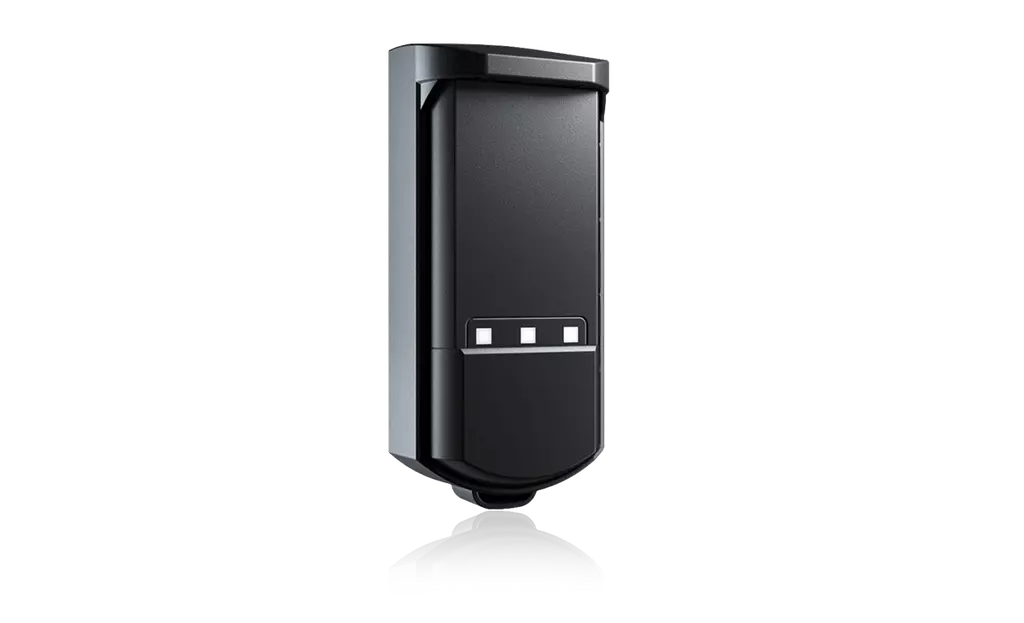
An alternative to a buried induction loop where the installation allows.
App-based teach-in and settings: target, zone and direction of travel.
Signals for the barrier, ticketing or an external number-plate reader. EVOLOOP does not read plates.
Loop 1: presence for activation.
Loop 2: detection within the protection zone.
Loop 3: presence for acknowledgement.
60 GHz FMCW radar · range up to 7 m · 140° opening · IP65 · consumption < 3 W.
Physical outputs: 2 electronic relays + 1 relay. BEA wiring example: check output assignments and logic in the user guide and against the control board.
EN 12453 type D protection supplements type C force limitation. Compliance of the complete installed system must still be checked.
Current references and products highlighted by the manufacturer. Presentation order is not a numerical sales ranking.
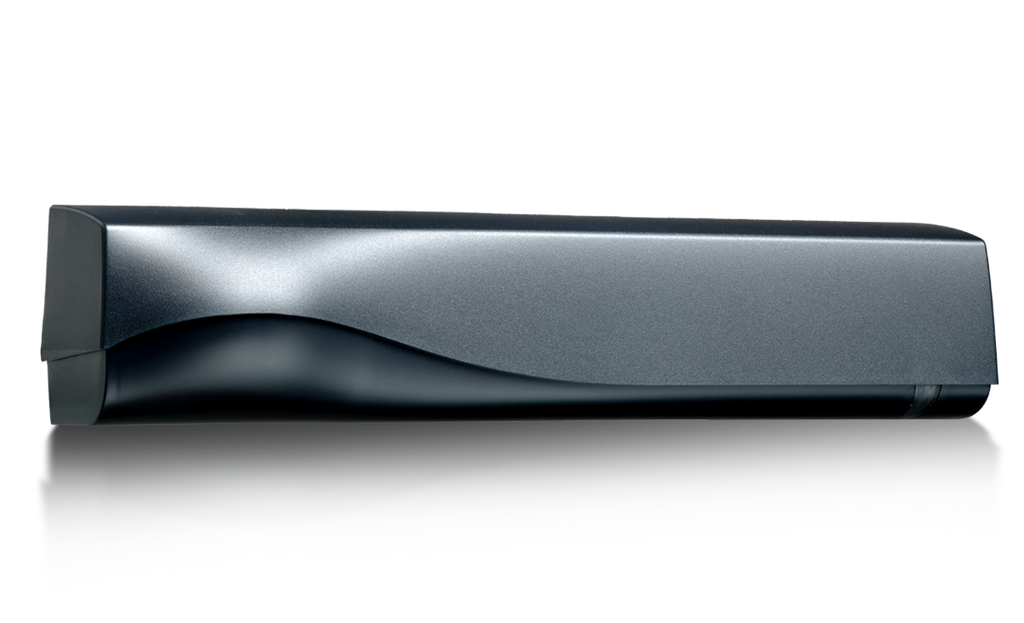 IXIO-DT / IXIO-STIXIO-DT · IXIO-ST
Manufacturer documents remain in their original language.